Skip to content
TapTidy
TickTick comparison
HomeCompareTickTick

Comparison

TickTick is the lower-cost planner. TapTidy is the better fit when openness and privacy are the real requirements.

This is one of the closer comparisons because both products can cover timers, routines, and day planning. The difference: TapTidy gives you visible encryption controls, open calendar paths, and more deliberate Android privacy choices.

Yearly paid plan: $58 vs $35.99 Habits and Pomodoro on both Open sync only on TapTidy

TickTick pricing and help references were checked against official TickTick materials on July 9, 2026.

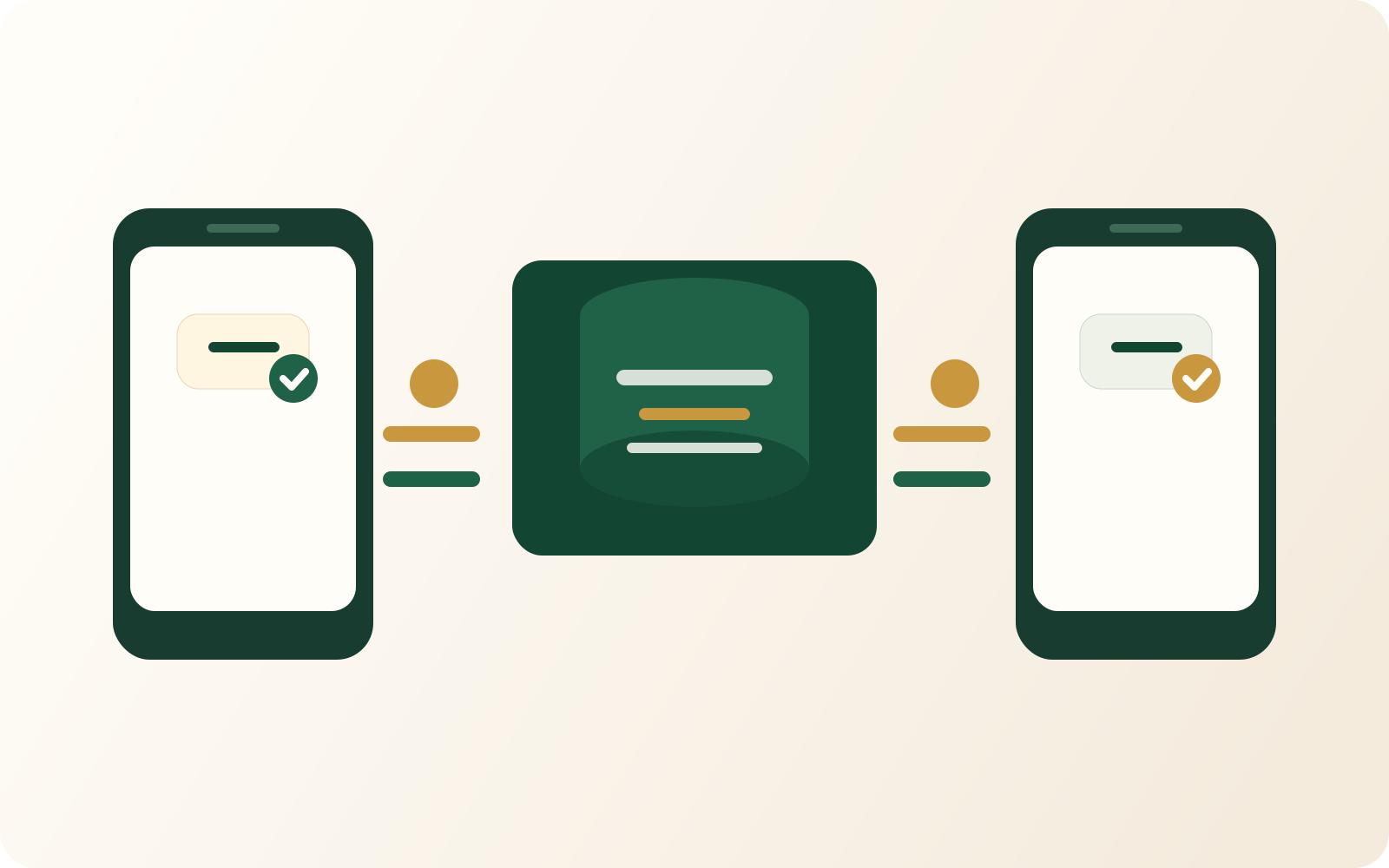
Illustration of encrypted task data moving between devices and a secure server.
If the planner holds sensitive personal data, the privacy controls must be part of the product, not an extra.
TickTick wins on price Both offer timers and habits TapTidy wins on open sync and E2EE

Choose TapTidy if:

  • You want the end-to-end encryption (E2EE) option instead of a conventional cloud-only trust model.
  • You want a CalDAV server, CalDAV client support, and a broader open-sync model.
  • You want the No-Google Android build in addition to the standard app distribution path.
  • You want routines, streaks, and Pomodoro, and you also want to keep the privacy and interoperability advantages.

Stay with TickTick if:

  • You want the lower annual price and already like the product's all-in-one planner shape.
  • You want native Apple apps today along with the broader current platform footprint.
  • You prefer a built-in calendar-heavy planner and do not care about CalDAV server support.
  • You have no need for the No-Google Android build or the E2EE option.

Feature table

This is a question of values, not of feature count.

TickTick covers many functions in one product. TapTidy is narrower in some places and much more opinionated in others.

TapTidy compared with TickTick
Category TapTidy TickTick
Free starting point 400 tasks, 5 projects, manual sync, and no expiry. Free plan with core task functionality and tighter limits on premium planner features.
Paid plan, billed yearly $58 per year for Pro. $35.99 per year for Premium.
Habits and streaks Routines with streak tracking and consistency views. Dedicated habit features are available.
Pomodoro timer Built into Focus Mode. Built into the planner.
Calendar strategy External calendar flow through Google Calendar and CalDAV. Built-in calendar view is part of the main planner experience.
CalDAV server and client Built-in server plus client support. No public CalDAV server or matching client path is documented.
E2EE option Available on Pro. No public customer-managed end-to-end encryption option documented.
Android privacy choice Standard build plus the No-Google Android build. Standard app distribution path.
Apple platform coverage No native Apple apps yet. Current platform coverage is broader today.

Pricing references here use TapTidy Pro annual pricing and TickTick Premium annual pricing as listed on July 9, 2026.

FAQ

The usual objections are predictable here.

TickTick is cheaper. The comparison starts when you accept that cost alone is not the whole decision.

The higher price pays for different values: the E2EE option, open calendar paths, and clearer Android privacy choices. If those do not matter to you, TickTick's price advantage is real.

Compare with Todoist

Better if your question is more about cloud-first project software versus offline-first capture.

Open Todoist comparison

Compare by category

Better if you want the broader pattern behind all-in-one planners, not just one brand.

Open all-in-one comparison

Read the switching guide

Better if you know the pain point but not the replacement yet.

Open the alternatives guide

A planner can be feature-rich and still solve the wrong problem for you.

If your real concern is privacy, interoperability, or offline-first behavior, the cheaper planner is not automatically the better fit.

Review TapTidy's security controls Then decide whether the difference is worth paying for.