
Forward
Claim your TapTidy address, then forward the messages that need action, so they do not stay in the inbox.
Feature
Email to Task gives you a dedicated TapTidy address. TapTidy parses the important fields. You review the result before it is saved.
Email to Task is part of TapTidy Pro.
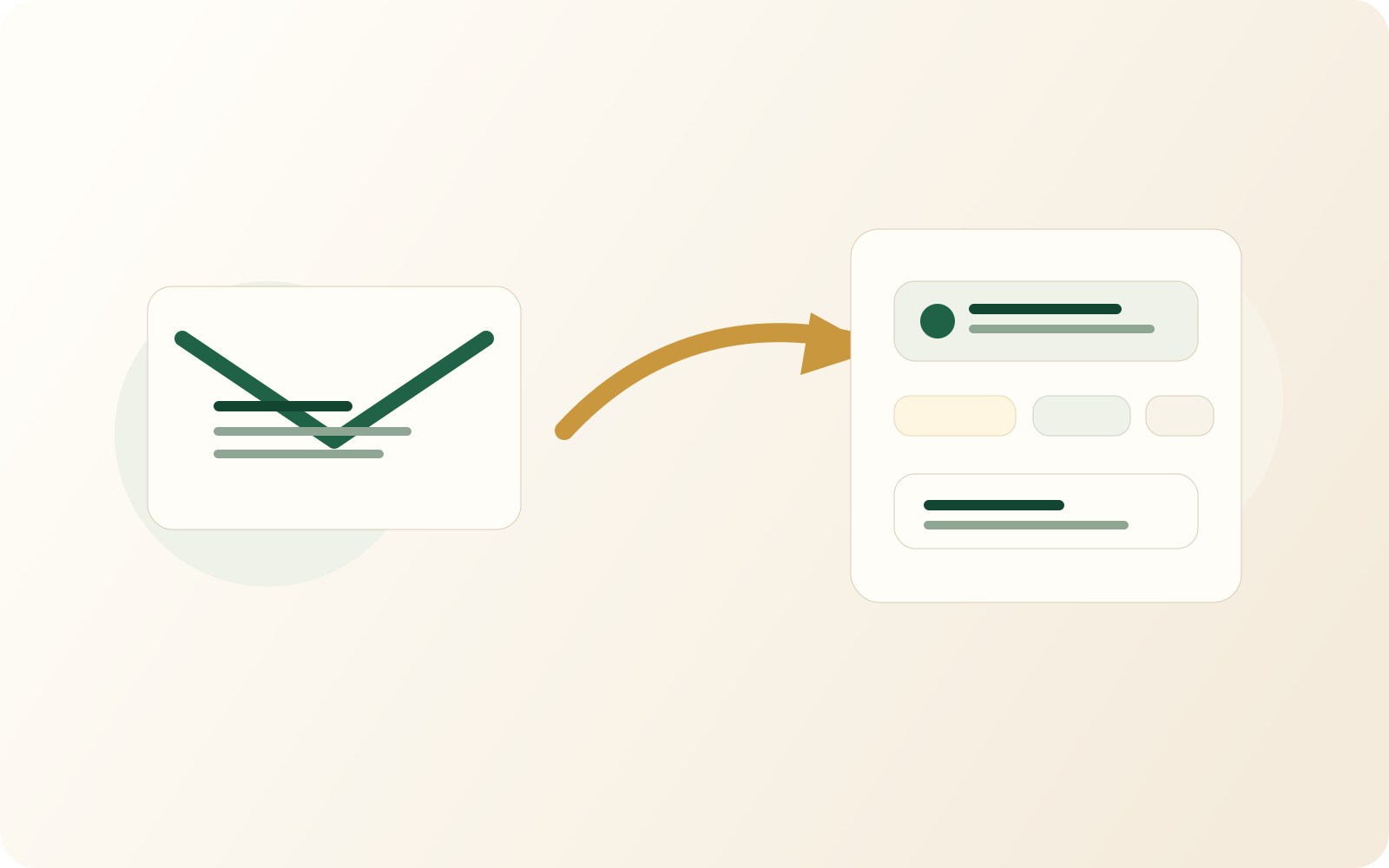
Claim your TapTidy address, then forward the messages that need action, so they do not stay in the inbox.
TapTidy proposes the title, due timing, and other structured details so you can confirm them before they become part of the task system.
The email becomes a task with the context attached. That is much faster than copying the details by hand.
Why it helps
The review step is important. This feature is strongest when it removes repetitive typing, not when it hides uncertainty.
Booking confirmations, reminders, and replies that need follow-up become easier to act on. You capture them with one forwarded email.
The source material stays attached so the resulting task is not stripped of the details that made it important in the first place.
Privacy and plan fit
Email to Task is a Pro workflow. TapTidy parses your forwarded email on our servers to create the task. The task is then stored on the server, like any task you create in the app.
| Capability | Free | Pro |
|---|---|---|
| Personal TapTidy forwarding address | Not included | Included |
| Review parsed fields before save | Not included | Included |
Email capture FAQ
This feature is easiest to trust when the parsing step stays visible and the privacy boundary stays clear.

Email to Task exists to reduce the friction between receiving a commitment and putting it in the system that will actually manage it.
See Pro capture features Start on Free, then upgrade if email capture becomes part of your workflow.